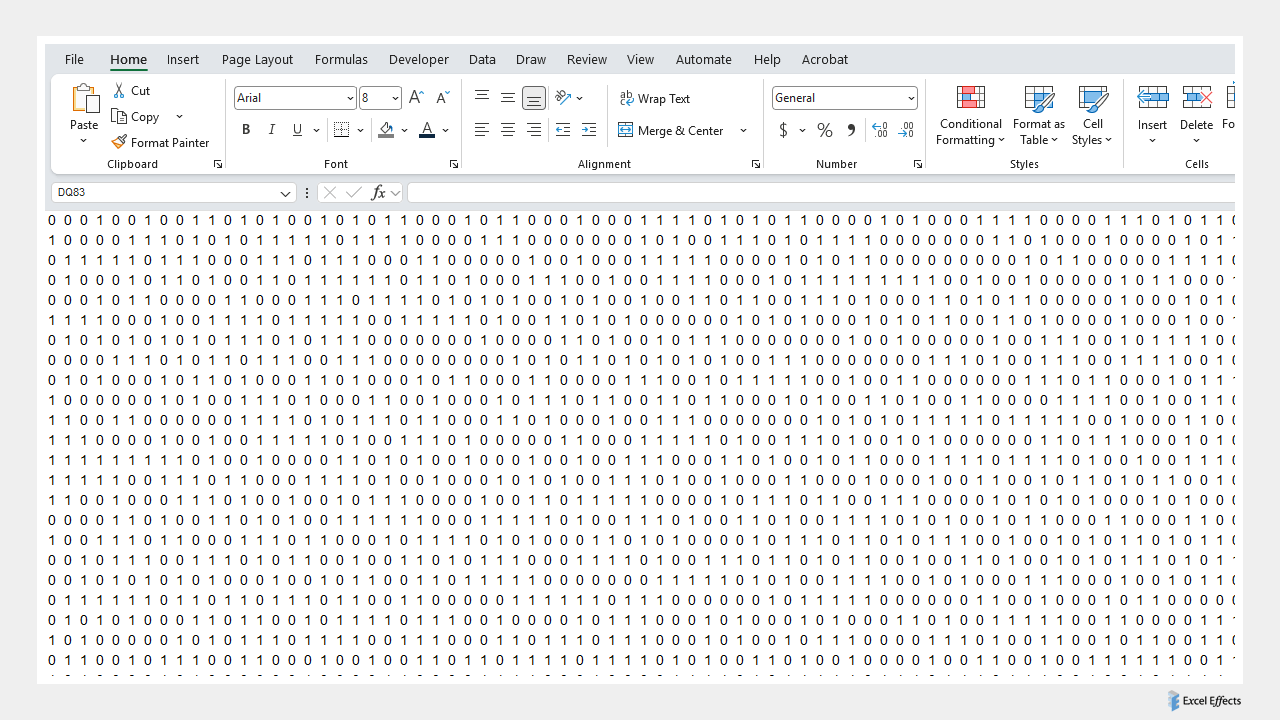
Overview of random ones and zeros
Random ones and zeros is just what you need to create a matrix. In other words, a unique background, similar to the images you see on the web. So, simply select and copy a section of numbers and paste special them in PowerPoint as an SVG or EMF file. You now have a transparent image that you can put a background behind.
Simply recalculate the sheet to get a new set of numbers. Although there is not much to this, you can do a lot with it. A little imagination…
Download
Requirements: Excel 2007 or higher or compatible.
Download
Size: 40 kB